Zoho • 11 MIN READ
Zoho Desk when shared inboxes stop scaling support
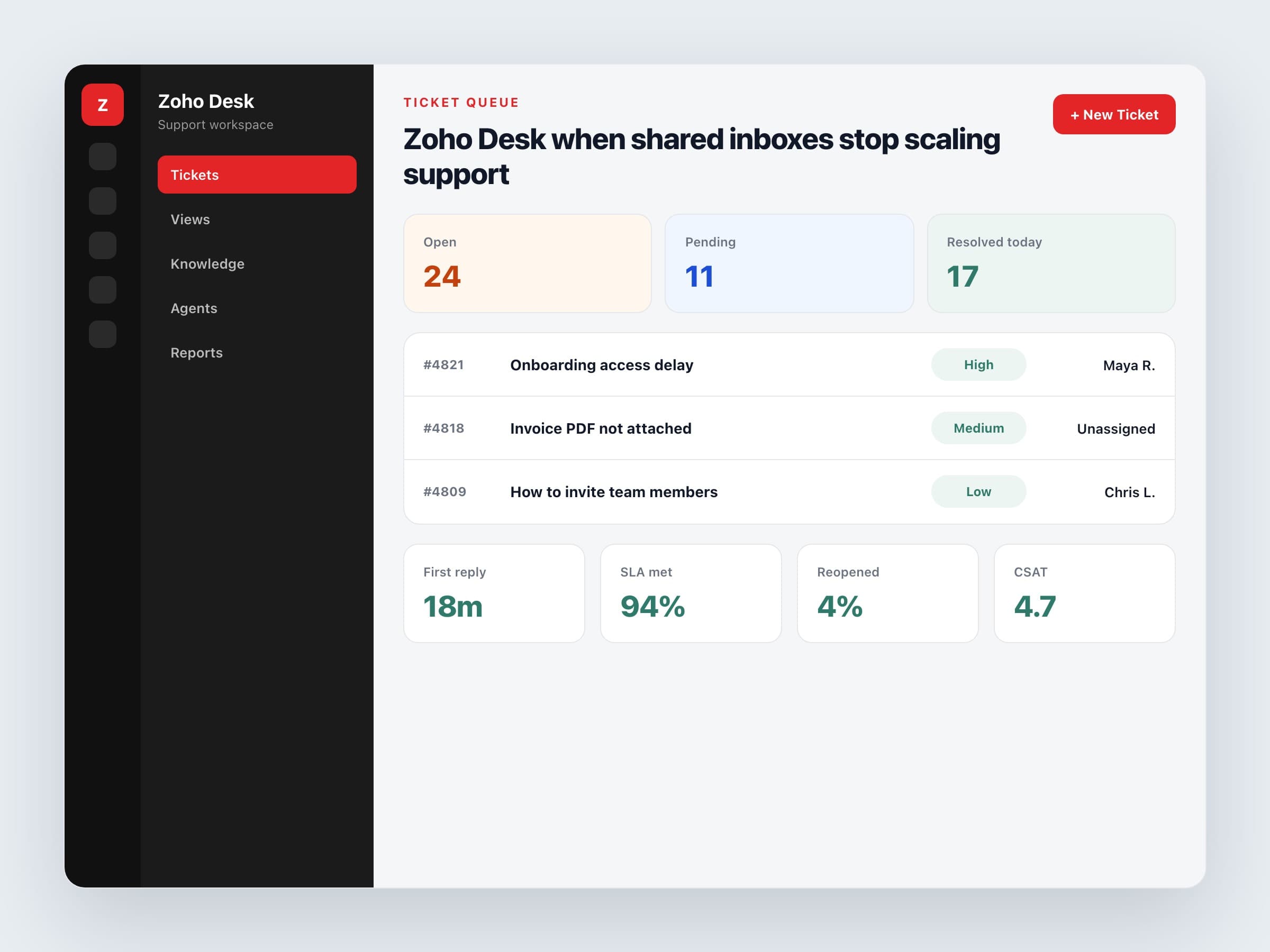
When client questions live in personal email threads, response times slip and context disappears. Zoho Desk gives service teams a calmer system.
Practical guides on Zoho CRM, websites and growth for Australian businesses, written by the Vixo team in Forestville, NSW. See related services →
Signs your inbox has become the bottleneck
Operational red flags
No clear owner
Messages bounce between people or sit unclaimed because nobody knows who should take them.
Repeat questions
The same onboarding, billing or how-to issues return every week with no knowledge base.
Invisible SLAs
You promise fast responses but cannot prove average first-reply time.
CRM disconnect
Support cannot see account value, open deals or prior complaints without asking around.
A shared inbox stores conversations. A desk system stores accountability.
A calm Zoho Desk rollout
Migrate one channel first. Map categories your team already recognises. Write three to five reply templates for the loudest request types. Then add automation for assignment and overdue nudges.
Week-by-week path
Week 1
Forward support email, define departments, set business hours and first-response targets.
Week 2
Build categories, templates and round-robin or skill-based assignment.
Week 3
Connect CRM accounts and contacts. Train agents on notes and status hygiene.
Week 4
Review ticket volume, reopen rates and time-to-resolution. Cut noise, keep what helps.
Keep it human
Automation should route and remind, not sound like a robot. Use macros for facts and structure, then let people write the sentence that shows they read the actual issue. Clients forgive wait times more readily than they forgive feeling processed.
