
Zoho • 11 MIN READ
From quote to job to invoice: a Zoho workflow for Australian service businesses
Zoho CRM for tradies and service businesses: a quote-to-job-to-invoice workflow with field service handoffs and clean invoicing.
Practical guides on Zoho CRM, websites and growth for Australian businesses, written by the Vixo team in Forestville, NSW. See related services →
Where service businesses lose money
A plumber quotes on Tuesday. The customer says yes by text on Thursday. The job gets squeezed into next week's run sheet. Invoicing waits until someone remembers. By then the extras aren't written down and the deposit was never chased. That's not a 'we need AI' problem. It's a handoff problem.
This workflow guide is Zoho CRM for tradies and service businesses in Australia — with or without Zoho Field Service Management — and Xero or MYOB on the finance side. It's business automation for tradies focused on cashflow, not another ServiceM8 comparison. If you're choosing tools, read that separately. If you already have Zoho (or you're about to), build this path first.
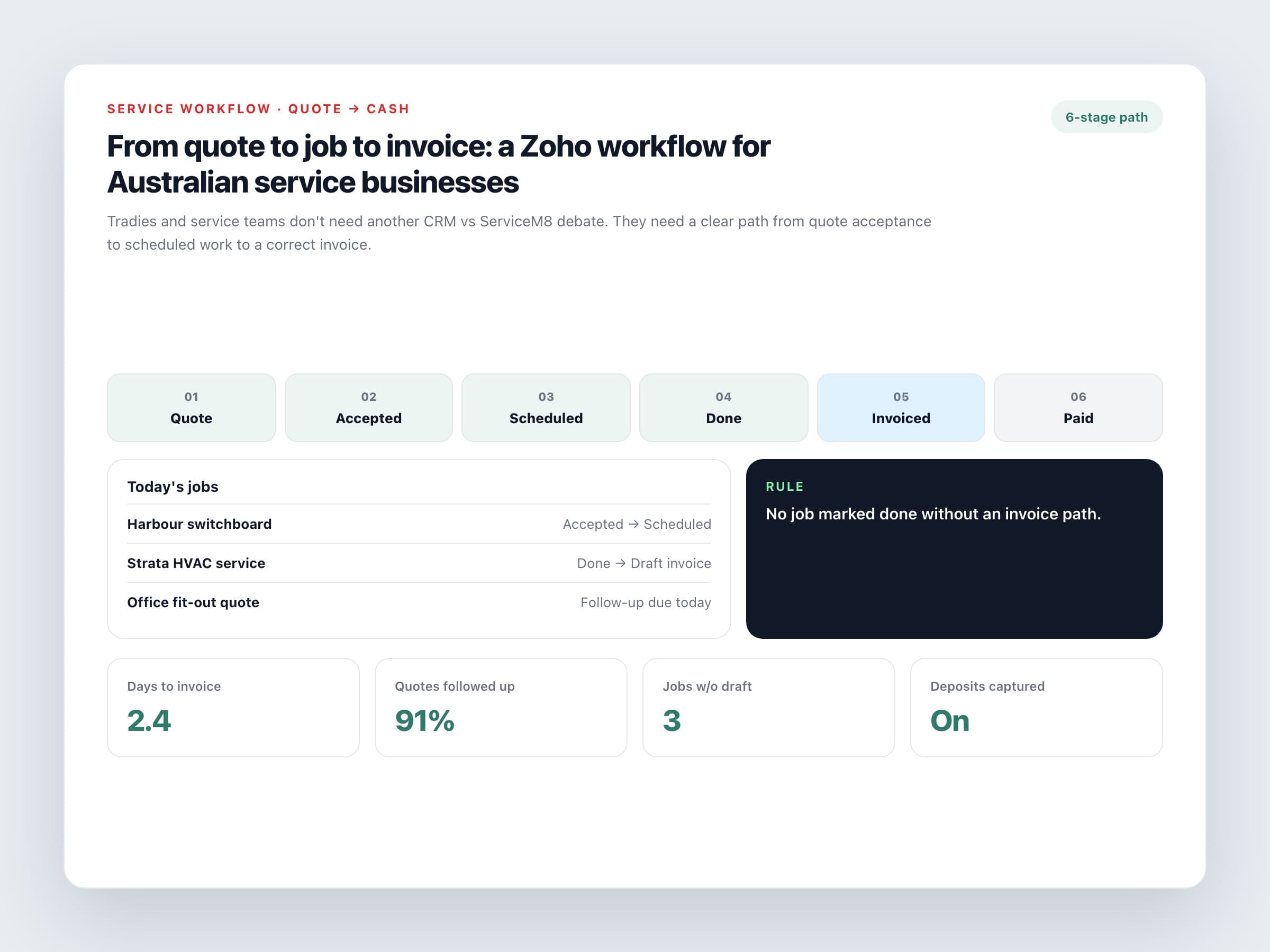
The six stages that matter
1. Quote sent
Deal created with scope, price (GST clear), and a next follow-up task dated within two business days.
2. Quote accepted
Stage change requires acceptance method (email, portal, signed PDF) and, if you take deposits, deposit amount.
3. Job scheduled
Owner, date window and site notes. Use Zoho Field Service Management, a CRM job module, or create-job action into your scheduling tool — field service handoff should be automatic once the quote is accepted.
4. Work completed
Checklist: photos, variations approved, materials used. No completion, no invoice draft.
5. Invoice drafted
Flow or integration creates a draft in Xero/MYOB from the won deal and approved extras.
6. Paid / overdue
Payment status returns to CRM so the office stops chasing paid jobs and escalates real overdue ones.
If a job can be marked done without an invoice path, you built a calendar, not a business system.
Zoho CRM and field service setup without overbuilding
Minimum viable configuration
One deals pipeline
Keep stages short: New enquiry, Quote sent, Accepted, Scheduled, Completed, Invoiced, Lost.
Required fields at key stages
Use Blueprint or required fields so Accepted always has GST treatment and site address.
Two automations only (to start)
Accepted → create schedule task or FSM work order. Completed → create draft invoice in accounting.
Mobile habits
Techs update completion and photos on the phone the same day. Office doesn't retype from memory on Friday.
Australian details to bake in
Don't leave these to chance
GST on quotes
Show GST clearly. Map the same treatment through to Xero or MYOB.
Deposits and progress claims
If you invoice deposits, create the deposit invoice at Accepted, not after the job.
ABN on commercial customers
Store it on the account so invoices to builders and strata managers don't need fixing.
After-hours and call-out rates
Put rate cards in products/services so quotes and invoices use the same codes.
What to measure after 30 days
Track average days from Accepted to Invoiced, percentage of quotes with a follow-up task, and how many completed jobs sit without a draft invoice. If those three numbers improve, the workflow is working — even if the dashboard still looks plain.
Want a CRM system tailored to your service business — quotes, jobs and invoices in one path? Build Zoho CRM for contractors around how your crew actually works.
